A capture used to be a photograph of an amp at one setting. A parametric capture is the whole amp: one file where every knob turns. The tools to make one are open source, and the player is free.
CORO NAM PLAYER — one parametric capture, every knob liveAU · VST3 · Standalone
Hear it
Guitar in, amp out. No amp in the room.
The built-in Origin 20 capture, played straight through Coro NAM Player. Watch the knobs: they’re the capture’s own.
What it is
The sound of a capture. The knobs of a model.
There have been two ways to put an amp in a computer. Each gives up something. A parametric capture is built to keep both.
Modeling
Engineers rebuild the circuit in code.
Every knob works, because the whole circuit is simulated. But it’s someone’s reading of the schematic: an amp of that type, not your amp, with its tubes, its mods and its years.
Every knob turns
Not your actual amp
Capture
A network learns the amp from recordings.
It learns one real amp from the sound of it, so it gets that amp’s feel. But only at the setting it was recorded at. Want less gain or more mids? That’s another capture, or an EQ after the fact.
Your actual amp
One setting, frozen
Parametric capture
A network learns the amp and its knobs.
You record the real amp at a few dozen knob settings. Training learns what each knob does to the sound, so the one file plays every setting, including the ones in between that were never recorded.
Your actual amp
Every captured knob turns
How we got here
The next step for open capture.
1990s
Modeling
Amps rebuilt in code
Digital amps begin as circuit models: flexible, with every control, and always an interpretation of the original.
2011
Profiling
The amp teaches the machine
Hardware profilers show a box can learn a real amp by listening to it. One setting at a time, in a closed format.
2019
Open capture
Neural Amp Modeler
Steven Atkinson’s open source Neural Amp Modeler puts neural capture in everyone’s hands, with an open file format. Thousands of shared captures follow. Each is still a snapshot.
2025
The research
A network learns the knobs
Researchers at ETH Zürich publish PANAMA: one network trained on an amp’s knobs as well as its sound.
2026
Now
Parametric capture, in the open
Our tools bring that to NAM: a parametric capture is a standard NAM file with the knobs inside, and a free player to turn them.
Open source
Built in the open, on open work.
Capture got good because it was shared. So everything you need to make and play a parametric capture is public, under the MIT licence, and builds on the projects that came before.
An open file format
A NAM file with knobs.
The format is published and runs on NAM’s own engine, unmodified. Any plugin or pedal built on NAM can add parametric captures with the small reference loader.
Open capture tools
Plan, record, train, export.
The tools plan which knob settings to record, walk you through recording them, and train the capture. A plain-English guide covers the whole session.
Credit where it’s due
NAM and PANAMA.
The model and file layout are Neural Amp Modeler’s. The training method is PANAMA’s. Ours is the bridge between them, and the player.
It’s early. At any single setting, a parametric capture isn’t yet as exact as a capture made of that one setting. It’s open so that gets better in public.
Make your own
Capture your amp, every knob.
An afternoon at the amp with an audio interface, a reamp box and a load box. The tools tell you which settings to dial, one at a time.
1 · Record
Interface outtest signalReamp boxYour ampone knob settingLoad boxInterface inone take
↻ repeat for each setting in the plan
2 · Train
Takesone per knob settingTraininglearns what each knob doesOne .nam fileevery knob, every setting
Guided by Claude
Open the tools in Claude Code and ask it to help you capture your amp: it walks you through levels, recording and training.
Add knobs later
Start with the controls that matter most. Add another knob or a switch afterwards without re-recording what you have.
Your name on it
Your capture carries its look, its knob labels and your name, so anyone you share it with sees the amp the way you set it up.
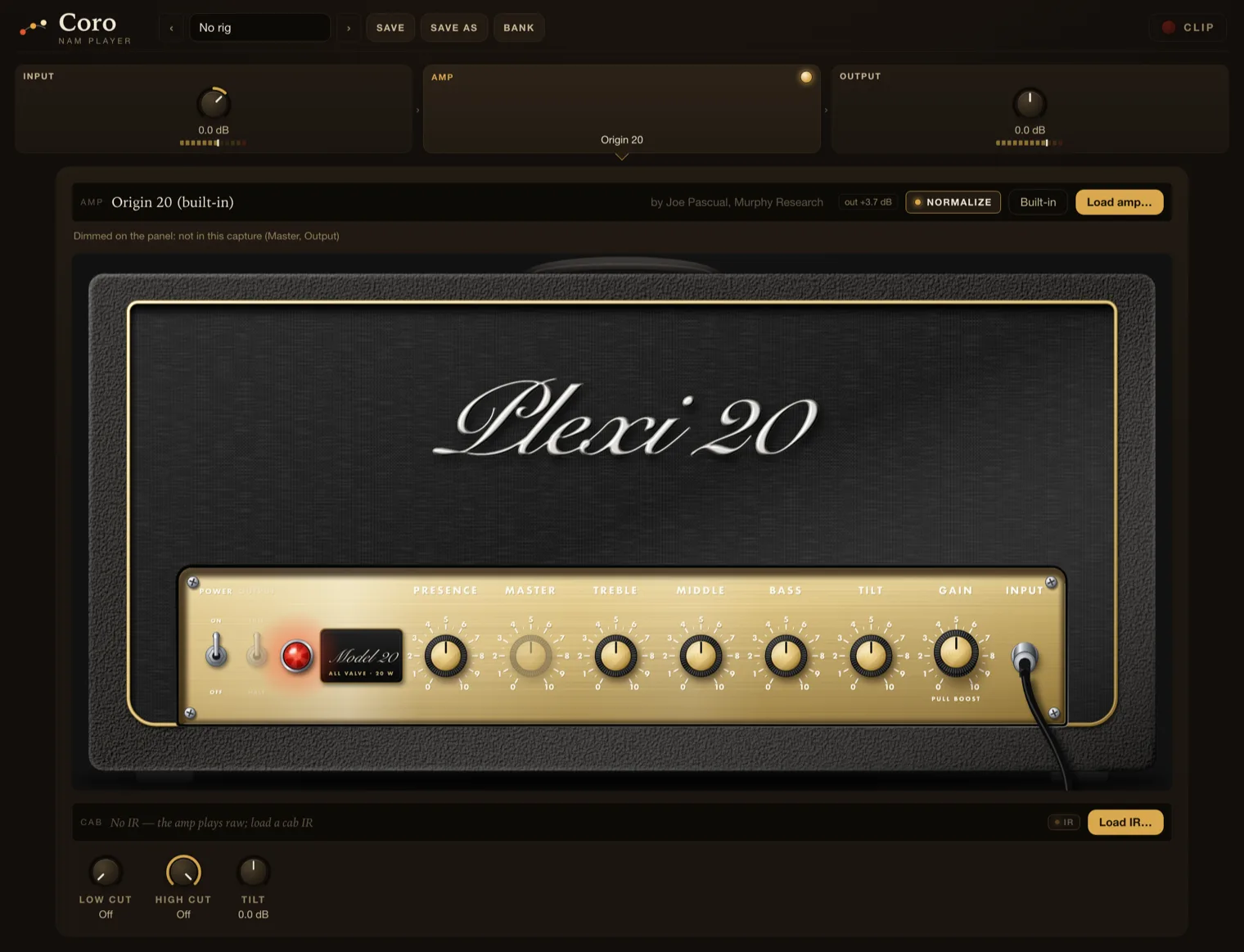
Coro NAM Player. Load a capture, its knobs appear.
A free plugin to play them. It comes with a parametric capture built in, so you can turn the knobs the minute it’s installed.
Parametric captures
One file, every setting.
The player reads which knobs a capture has and puts exactly those on the panel, with switches where the amp had switches.
Plain NAM captures
The ones you already have.
Any standard NAM capture loads and plays, with Gain and Volume on the head.
Cab IR and rigs
The rest of the chain.
Six 4x12 cabs are built in, or load your own impulse response. Low cut, high cut and tilt shape it, and whole setups save as rigs to recall live.
Built-in cabs: Jester’s Emerald Pack by Jester Dyne Productions, released to the public domain.
The included capture
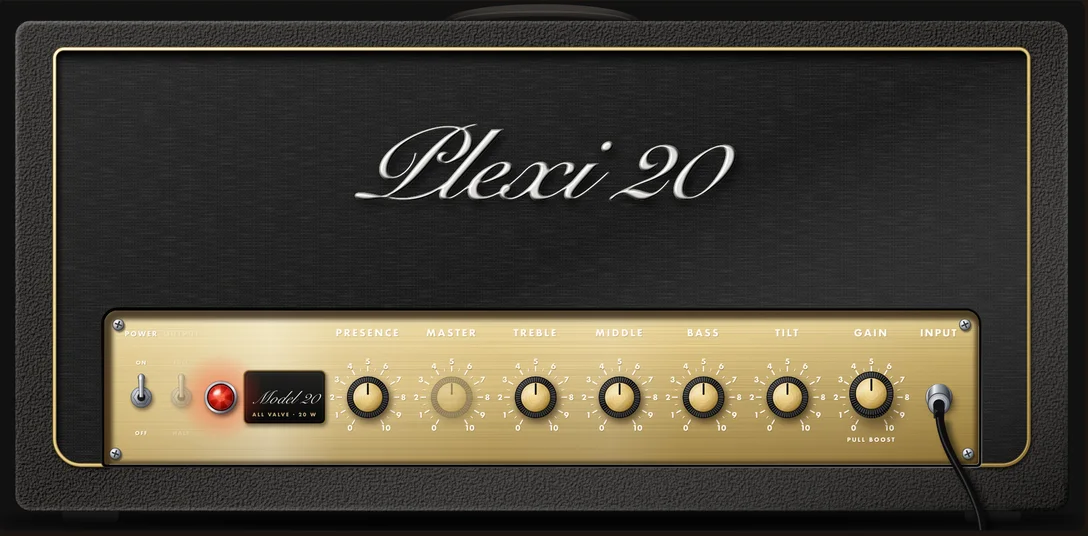
A Plexi-modded Origin 20, built in.
The player ships with our first parametric capture: a Marshall Origin 20 head with the Plexi mod by Jason Tong of Headfirst Amps, the Australian amp builder whose published Origin mods are well known among players of that amp. It takes the Origin closer to the late-sixties voicing it was named for. Watch Jason walk through the mod.
We captured it across six controls, so Gain, Tilt, Bass, Middle, Treble and Presence all turn, the way they do on the amp. It plays through a built-in 4x12 with Greenbacks, so the first thing you hear is a finished sound.
Captured by Joe Pascual at Murphy Research. Not affiliated with or endorsed by Headfirst Amps or Marshall; the names say what the amp is.
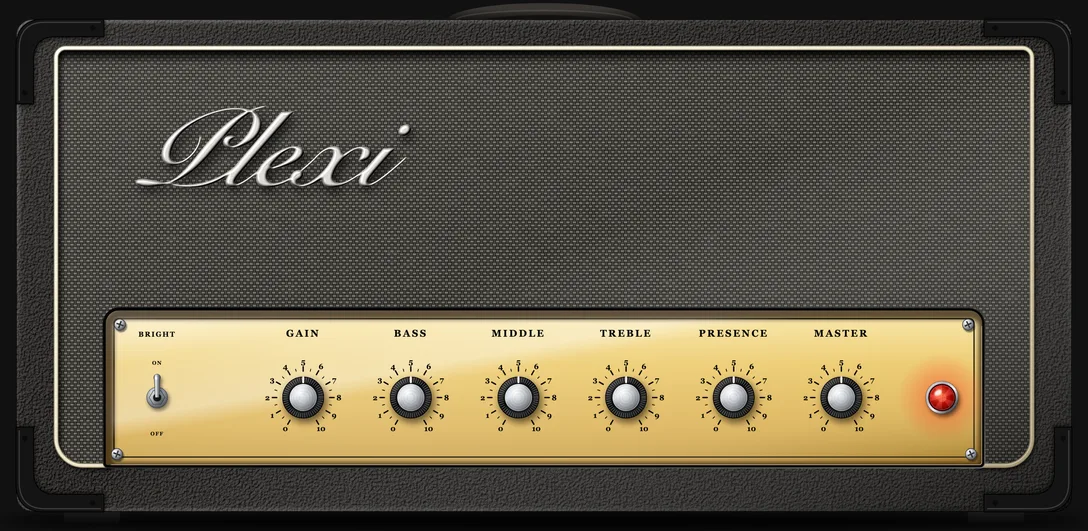
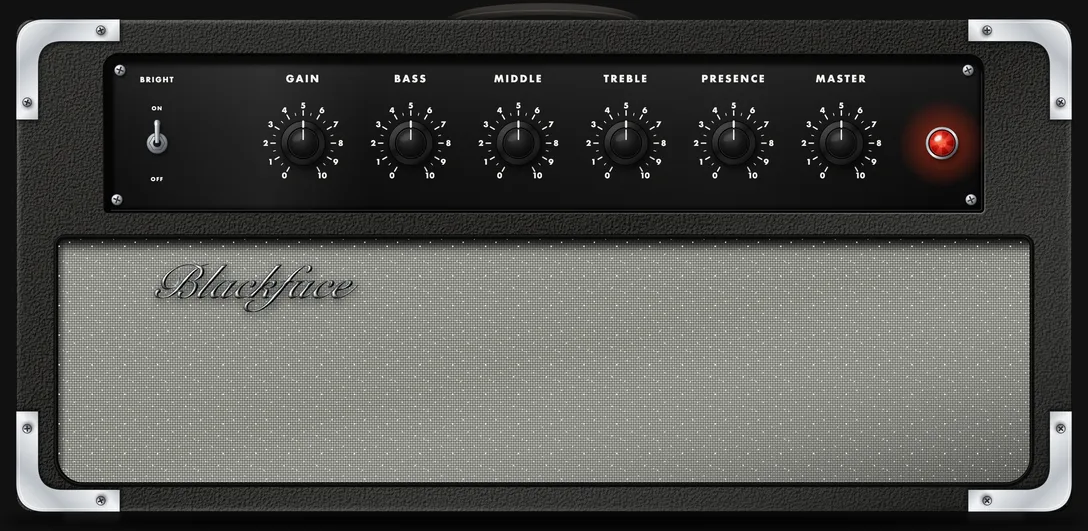
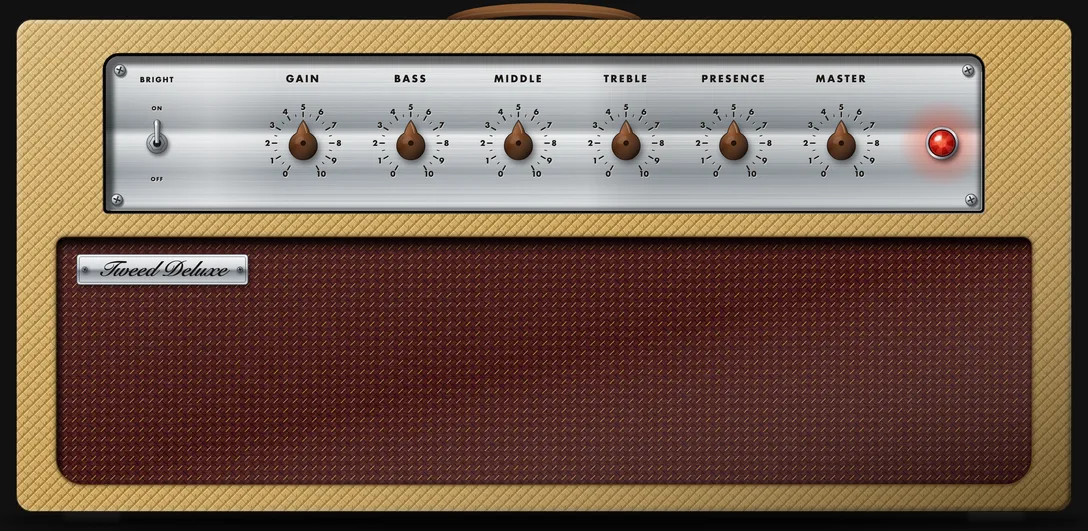
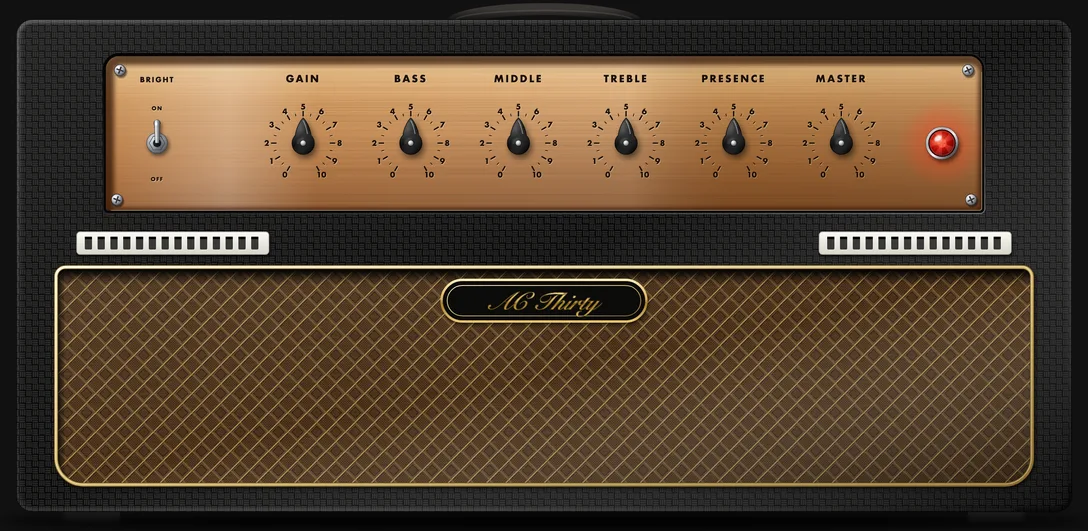
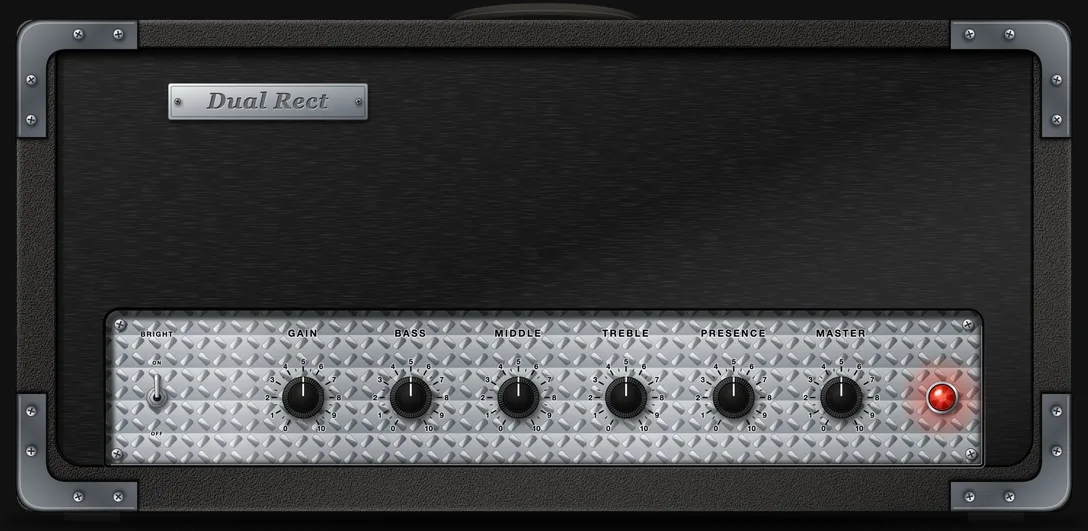
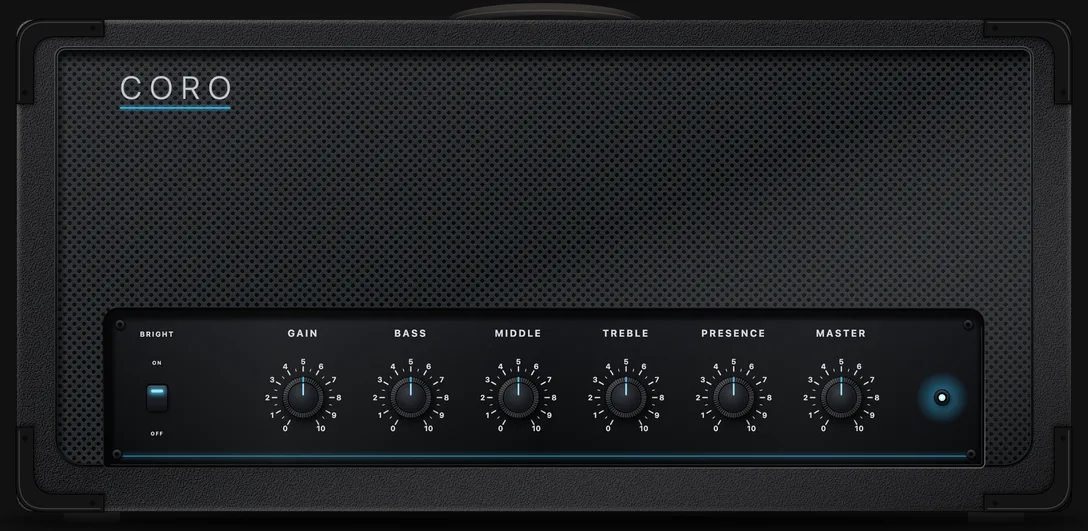
A capture can name its look, so a shared file opens as the right amp. Or choose your own from the Panel button: the player remembers it for that capture.
Plexi
Gold plexiglass panel, cream piping, big script logo.
Blackface
Black panel, silver sparkle grille, skirted knobs.
Tweed
Lacquered tweed, oxblood grille, chrome control strip.
Vox
Basketweave, diamond grille, copper panel and chicken-heads.
Mesa
Diamond-plate face, heavy steel corners, red jewel.
Coro
A clean modern black head that suits anything.
Get the player
Free.
Create a free Murphy Research account, then download the installer from your dashboard.
AUVST3Standalone macOS 12+ · Apple silicon · 48 kHz